Layer versions
Layer states in one click, not from memory.
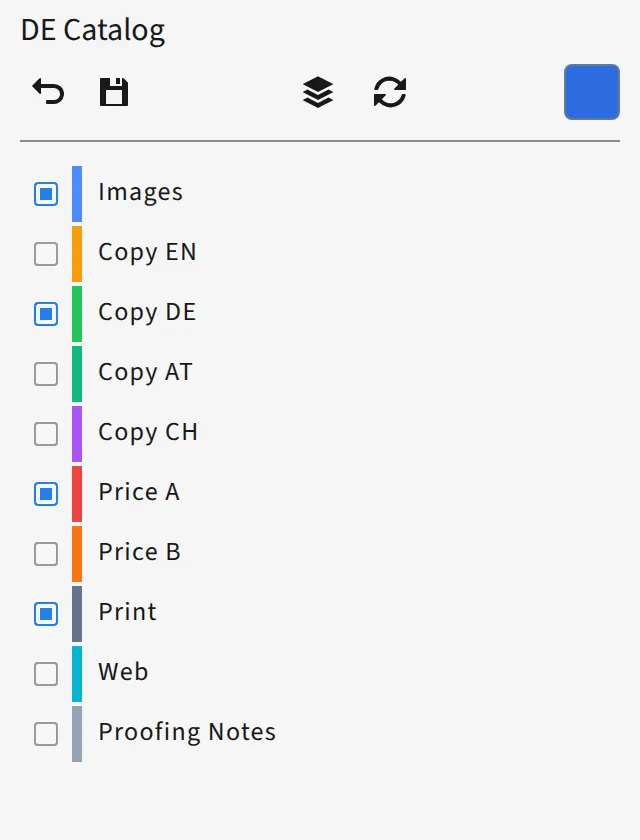
- Save the visible state as a version
- Edit, filter, import from the Layers panel, sort
- Switch the active version in the panel


D7versions
D7versions organizes layer versions and print versions in one workflow — from the layer state to the PDF, including across several documents.
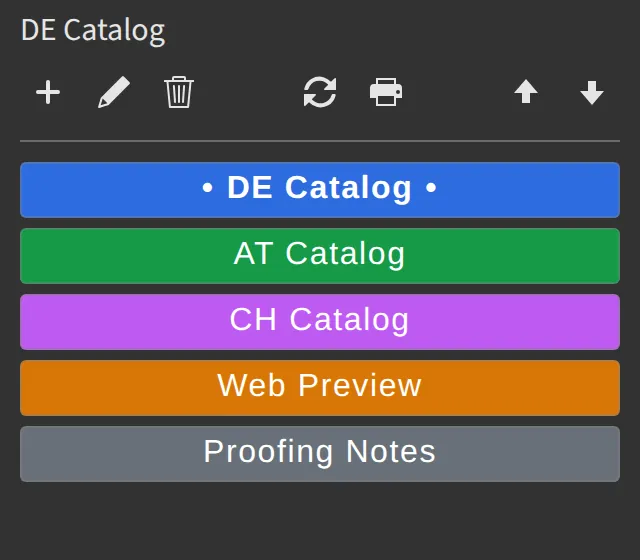
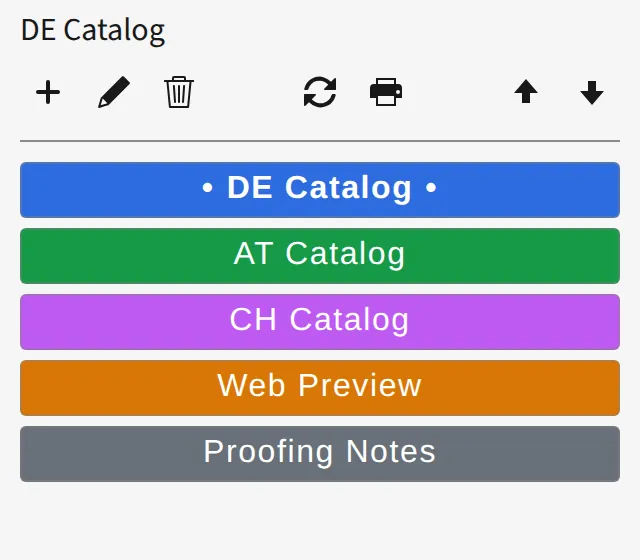
Layer states in one click, not from memory.
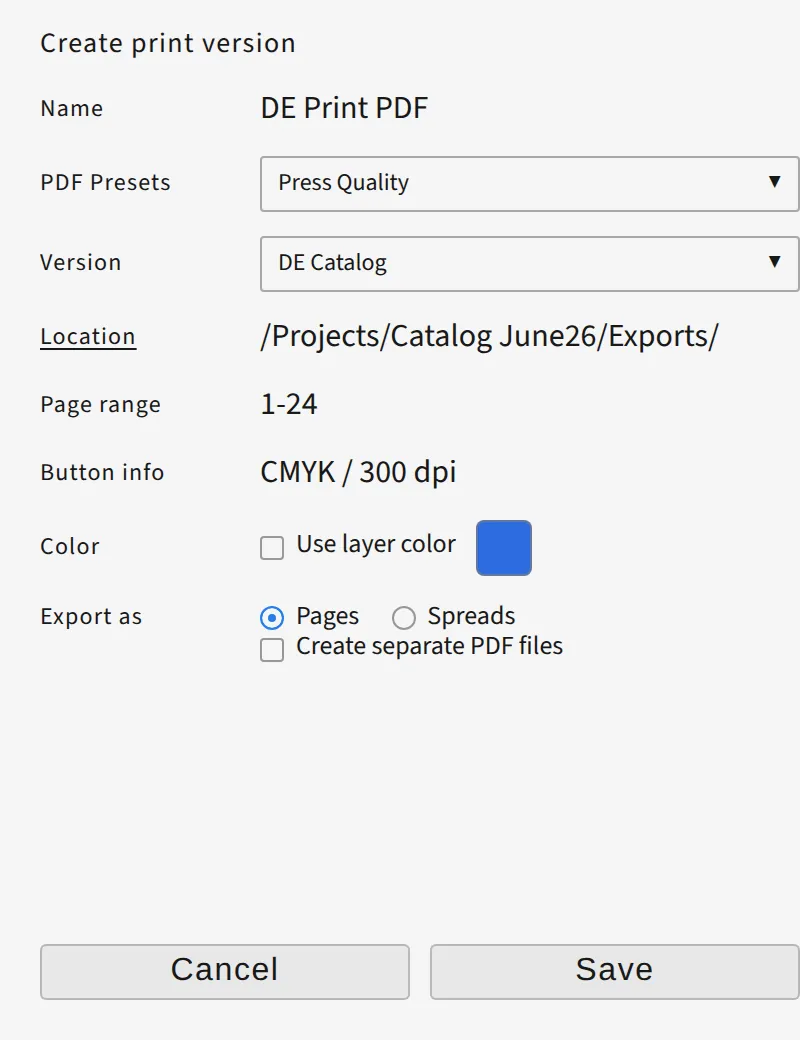
Export definitions that belong to the document.
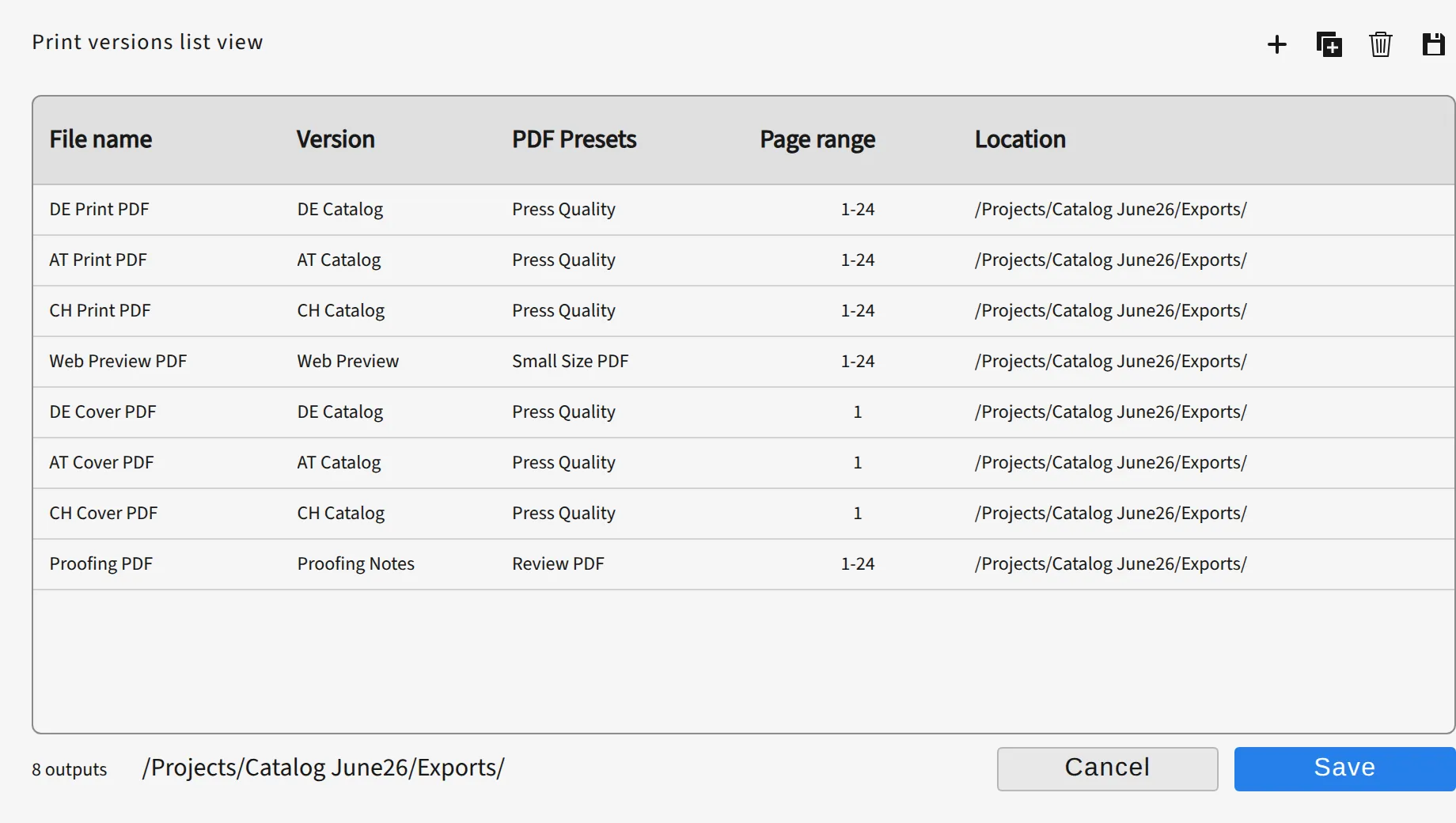
Several versions, with feedback.
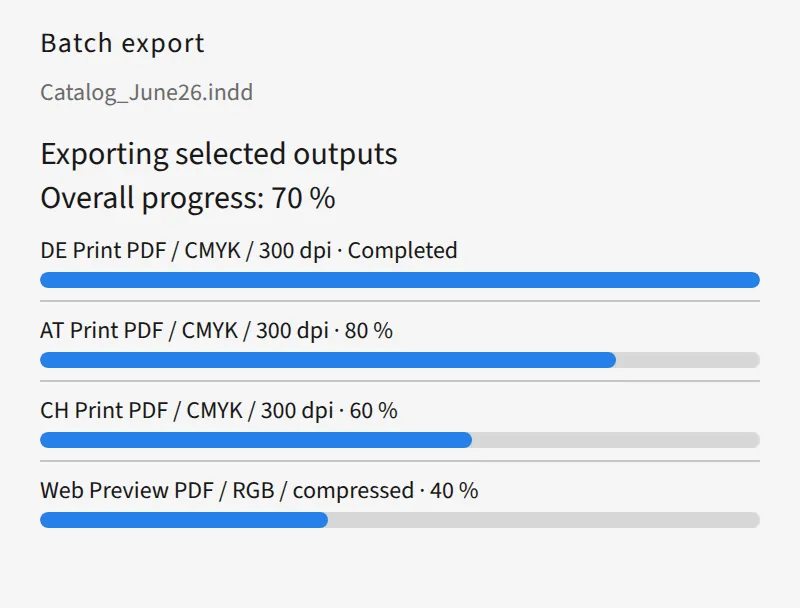
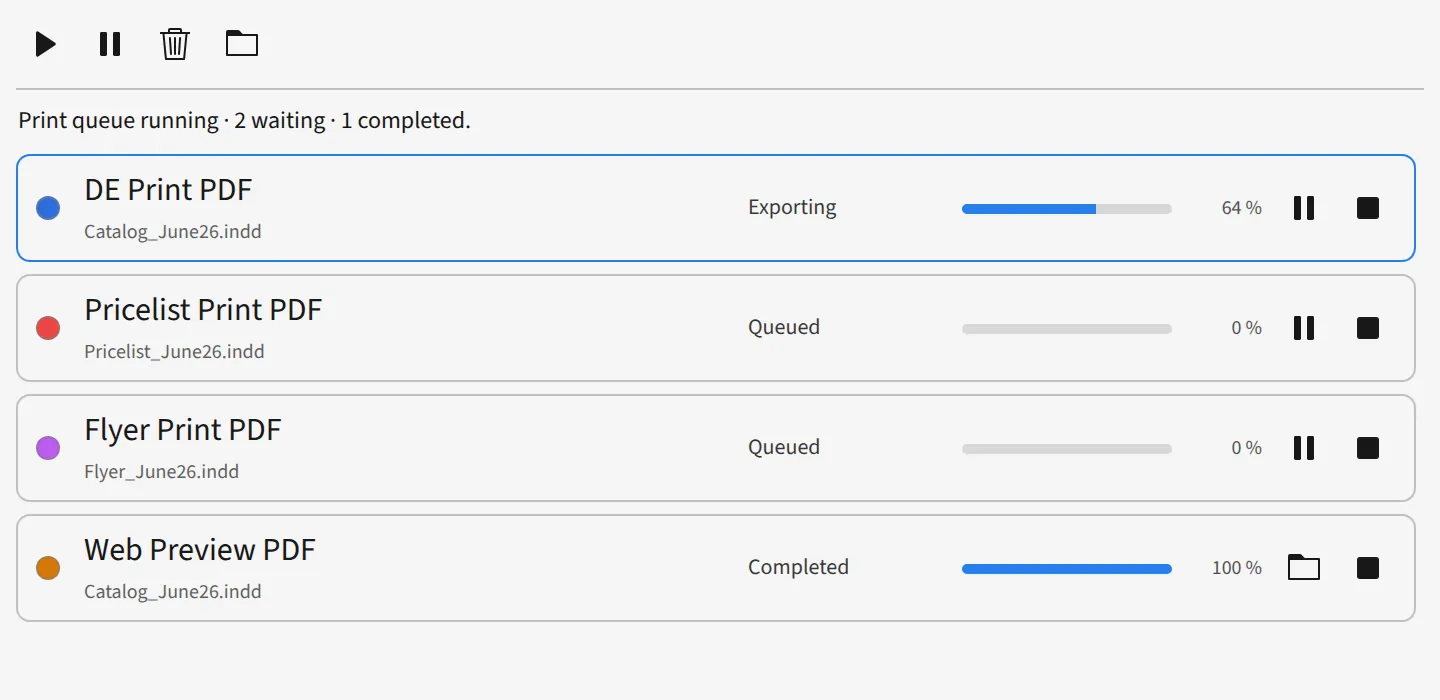
The same output across several documents.
The same presets on every computer.
Share a configuration instead of rebuilding it.
The workflow stays the same, even when there are more versions.
Export while you keep working.
We're planning for D7versions to hand PDF exports to D7server. D7server will drive your InDesign Server and work through the jobs in the background, large batch exports included. Your layer and print versions stay exactly as they are, and you'll see the status right inside D7versions. It requires InDesign Server, licensed by you from Adobe.
D7server: in development
Demo: 7 days via the Adobe ID. Offline grace period 2 days. License types paid, promo, demo.
Subscription per person (Adobe ID), usable on all of your own computers.
Monthly
Coming soon
per person
net, plus VAT
Yearly
Coming soon
per person
net, plus VAT
Placeholder link. The listing is not live yet.
If the workflow only exists in your organization: plan, build, handover. Services
InDesign 19.4 or newer, Windows and macOS, as a UXP plugin.
Layer and print versions belong to the document. The configuration can also be exported and imported as JSON. A default configuration can be the starting point.
The layer version stores which layers are visible. The print version stores the PDF export of that variant: file name, preset, pages, folder, pages or spreads, separate files.
No. Several print versions run as one batch export. Across several documents the print pool keeps a queue (pause, stop, retry, reorder).
The batch export resets the layers afterwards. The print pool exports from an invisible working copy.
Before the batch export, whether target files collide.